
For teachers
Practice they
want to show you.
With Afinar, every assignment comes back as a recording your student sends you. They play along with the real song, so practice feels like playing. You hear their week before they walk in, and they hear themselves getting better. In person or online.
Free · Apple silicon · macOS 26+ / Windows is on its way
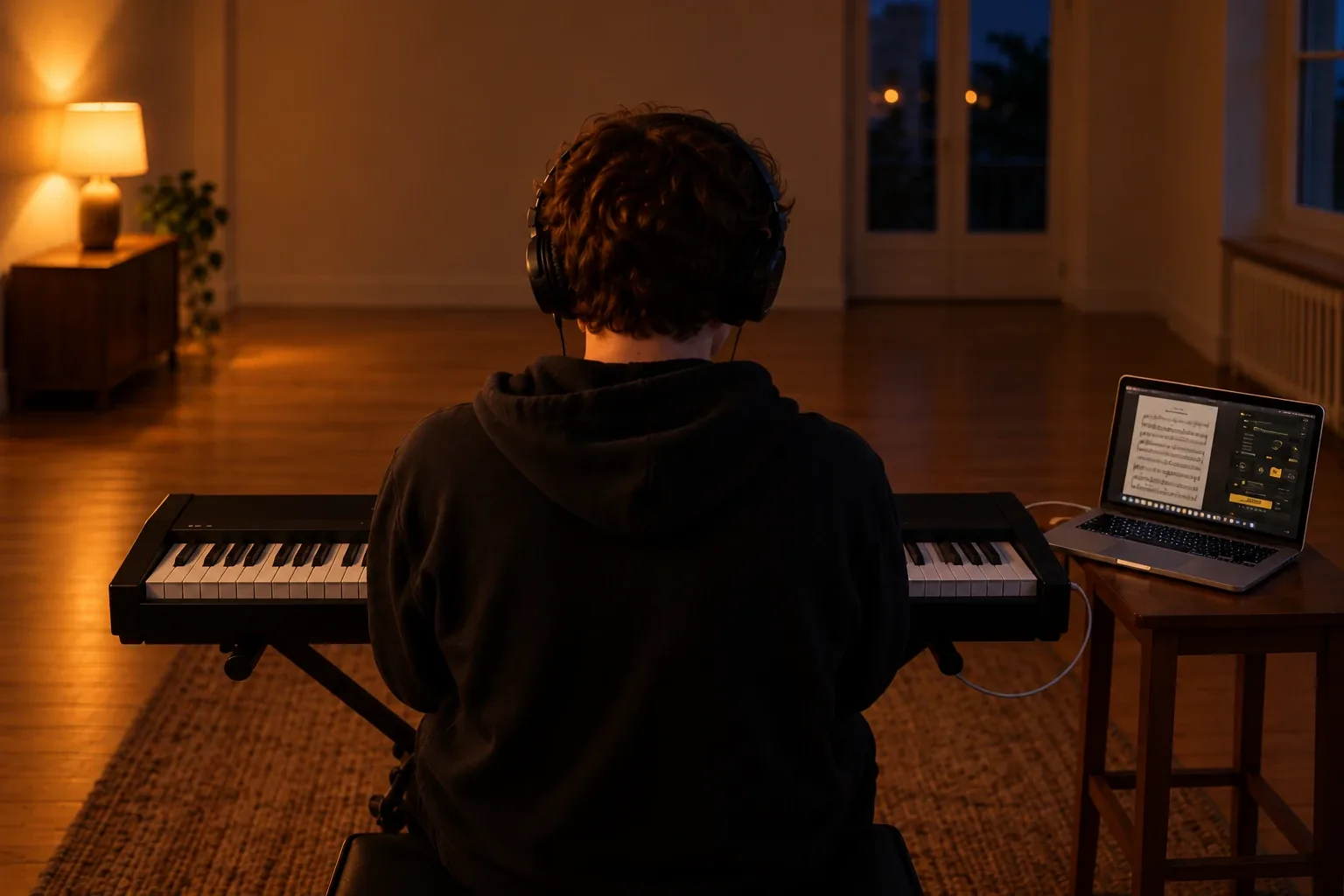
01 / Between lessons
Most practice
never happens.
A week goes by, the assignment sits on the stand, and the lesson starts with “I didn’t get to it much.” What practice does happen, you never hear. A rushed fill gets played fifty times before you catch it, and by then it’s a habit. Students who can’t hear themselves getting better are the ones who quit.
Asking for a recording rarely fixes it. A phone on the music stand hears the song through a speaker and the instrument through the air, so one buries the other. Recording software needs the song as a file, or extra apps to pull the sound out of a website, so most students record without the music. Then you can’t hear their timing against anything.
02 / How it works
One button records
the song and their part.
Play the assignment where it already is.
A music app, a video lesson in the browser, a chart site, or the file you sent. They choose that app in Afinar. There’s no file to download and nothing to set up.
Press Record.
Afinar records the music straight from the app and their playing from their audio interface or microphone, in time with each other. Turn on the camera and you see their hands, too.
Listen back, then send it.
They hear the recording the moment they stop, with their playing brought forward. Often they catch the problem before you do. Then they send you the file.
03 / Every assignment
Whatever you give them,
it comes back recorded.
- A song to learn. Afinar mutes the vocals, drums, bass, or guitar and keys in the original song as it plays. Your student plays the part with the band that recorded it. You don’t have to make or buy a play-along.
- A chart or tab. They keep it open in the browser, play the song beside it, and record. You hear whether the page made it into their hands.
- A video lesson. Yours or anyone’s. They play along, and Afinar records the video’s sound with their playing, so you hear them against the lesson itself.
- A play-along you made. Send the file the way you always do. They play it in any app on their Mac and record over it.
- An exercise or a scale. The metronome is built in. The click plays in their headphones and never ends up on the recording, so you hear just them.
- Your own playing. Record the part yourself in Afinar during the lesson and send it home as their reference.
04 / What changes
Better weeks.
Better lessons.
- Practice gets done. An assignment with something to hand in gets played. When the recording arrives, you know what they worked on before they walk in.
- Lessons start where they’re needed. Listen together and hear exactly what happened, not what they remember. Ask for their part on its own and nothing hides under the record, or with the song to hear their timing. Video shows the hands. What you hear is your student, because Afinar never generates, corrects or tunes a note.
- It’s fun. Playing with the real band feels like playing, not homework. That’s the part that keeps them picking the instrument up.
- They stay with it. Their recordings stay saved in Afinar. A student who can play the first week’s recording beside this week’s hears how far they’ve come, and keeps going.
- Parents hear it too. A recording is an ordinary audio or video file. Parents get to hear what their kid can play now, and kids love showing it off.
- In person or online. In person, open the lesson with the week’s recording. Online, it arrives before you meet, at full quality instead of through a video call.
05 / Why Afinar
Why not just
use a phone?
A phone on the music stand hears the room, so the song and their playing bury each other. Recording software hears only them. Afinar records both, clean and in time.
06 / The teachers list
We’re building tools
for teachers.
Want to hear first? Leave your email and we’ll write when there’s something to try. The three questions are optional, and they help us build the right thing.
07 / Questions
Questions.
Is Afinar free for my students?
Yes. Afinar is free to download, and recording and filming are free.
What do my students need?
A Mac with Apple silicon running macOS 26 or later, and wired headphones. A microphone for voice or an acoustic instrument, or an audio interface for an electric one.
Where do their recordings go?
They stay on the student’s Mac. Afinar never uploads their audio or video. The student chooses where to send a recording, by email, Messages, AirDrop or your lesson platform. Privacy
Do I need Afinar to listen to their recordings?
No. A recording is an ordinary audio or video file, so you can play it on any computer or phone.
Does it work for online lessons?
Yes. The recording arrives before you meet, and you hear it at full quality instead of through a video call.
Which songs work?
Anything that plays in an app or browser on their Mac. Some protected content may restrict audio capture.
Is Afinar available for Windows?
Windows is on its way. Join the Windows list and we’ll let you know when it’s ready.
What are the tools for teachers?
We’re working them out with teachers now. Join the list and tell us how you teach, and you’ll hear first.